
Guardant Drivers installation
During the driver installation, it is necessary to disconnect the Guardant keys from the computer USB port.
To install Guardant Drivers, follow the steps:
- Download the latest version of Guardant Drivers from our website.
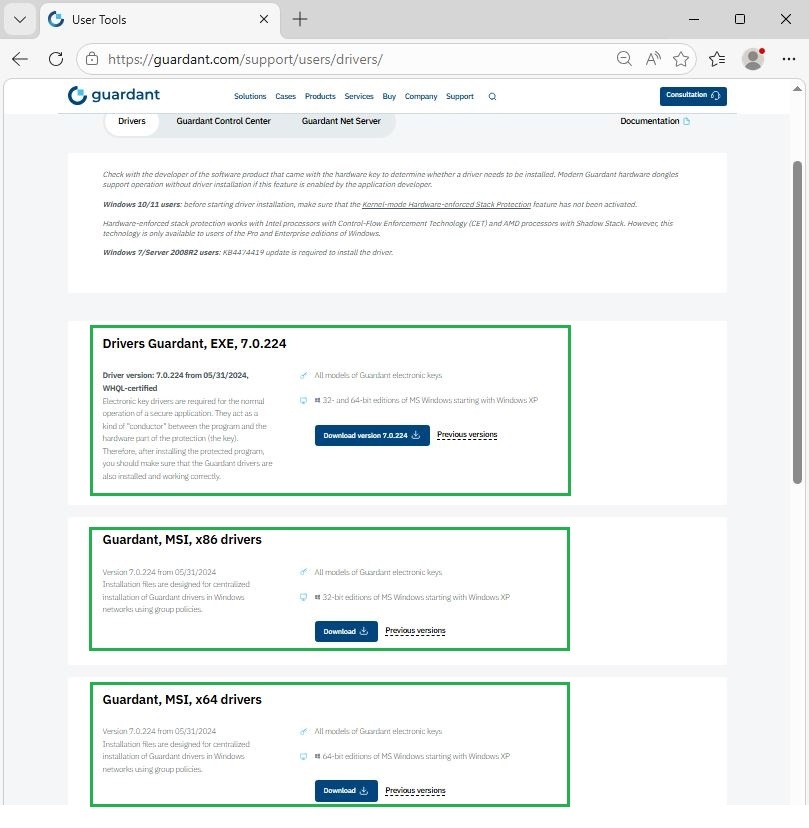
- Run the saved GrdDrivers.exe file (it will automatically detect your computer's architecture (32 or 64 bits)) and install the Guardant Drivers on your computer.If the .msi file format is required or the operating system architecture is known in advance, it is possible to select the GrdDrivers-x86.msi (GrdDrivers-x64.msi) file for installation.
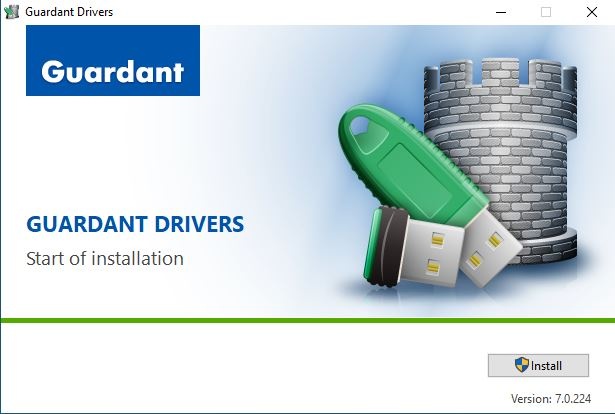
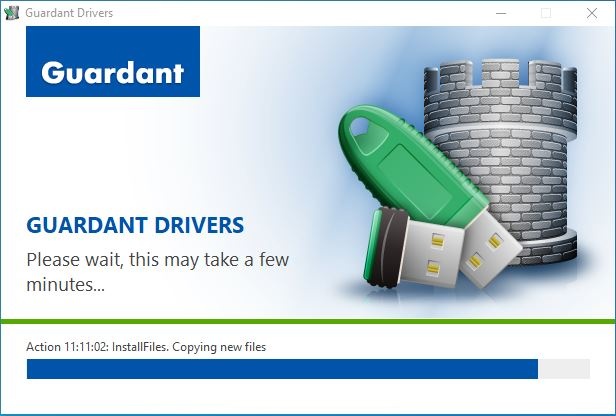
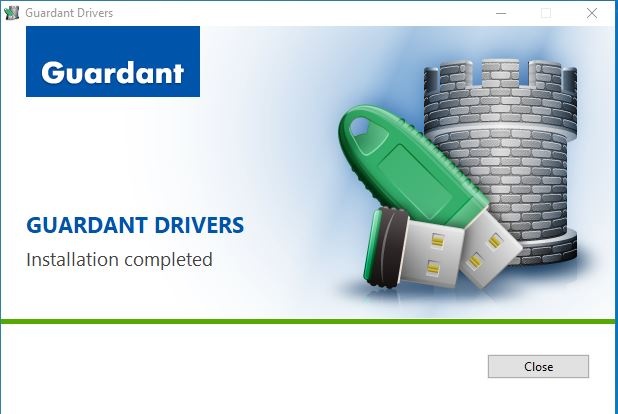
The Guardant drivers have been successfully installed on your computer. To check the operation of your Guardant key, follow these instructions.