
The Guardant electronic key is not detected by the diagnostic utility
Description
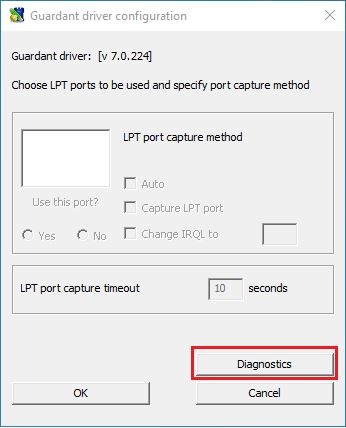
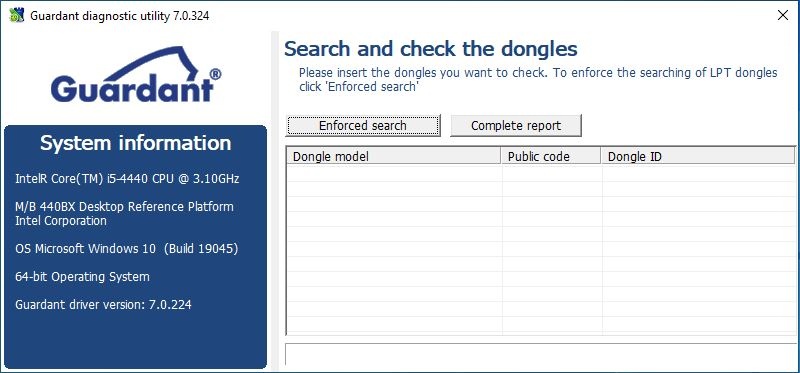
When attempting to diagnose a Guardant electronic key, it does not appear in the "Diagnostic Utility".
Решение
- Make sure the key is connected to the computer and the LED is lit continuously. If there is no indication at all or the LED is blinking, please read the following instructions.
- Check if the dongle appears in the "Device Manager" - under the "Guardant Dongles" section. If this section does not exist, the Guardant Drivers must be reinstalled. At the same time, the latest generation of the keys may not require driver installation (if the Software vendor set the appropriate operating key mode (HID) during protection process). In this case however the number of HID devices in the "Device Manager" should increase once the key is connected to the PC
- Perform the electronic key diagnostics on a different computer, where the Guardant Drivers have been previously installed. If the key is also not detected by the Diagnostic Utility on another computer, it is necessary contact the provider of the protected application.