
How to check the work the Guardant electronic key
After the Guardant drivers are installed, connect the key to the USB port of your computer.
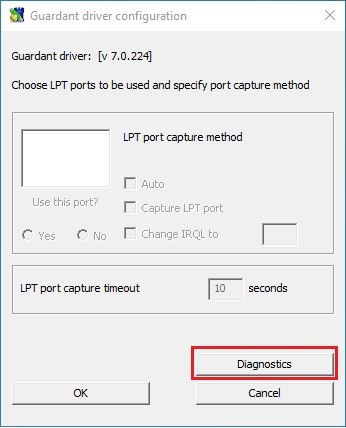
Run Guardant Diagnostic Utility as follows: Windows "Start" menu -> "Control Panel" -> "Guardant drivers"
In the "Guardant Driver Configuration" window click the "Diagnostics" button.
If the electronic key is visible in the list, click the "Complete Report" button.
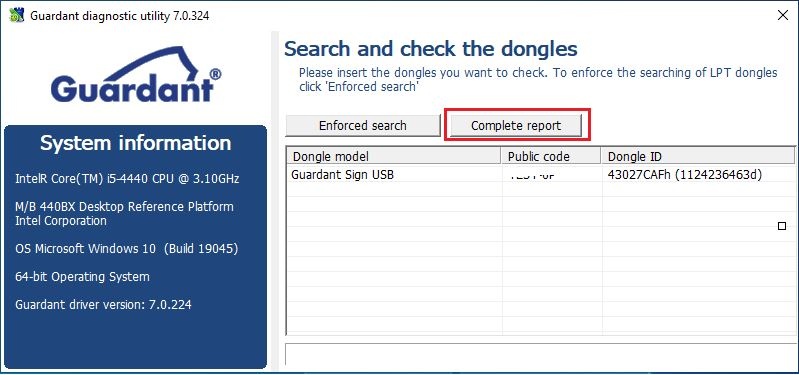
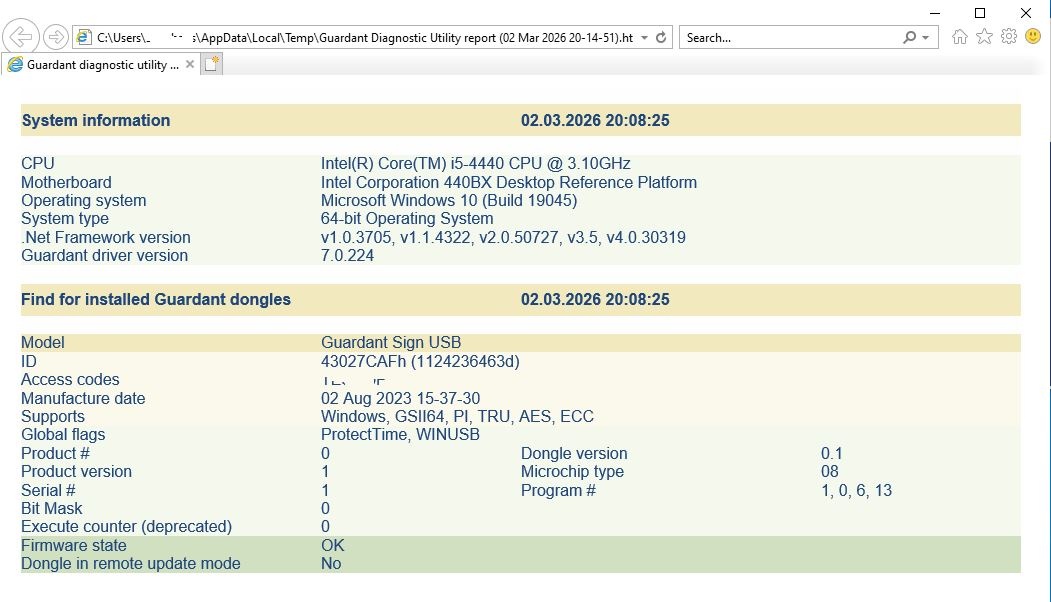
If the Guardant key is visible in the Diagnostic Utility, then the electronic key is working properly and is ready for use.